Claymorphism UI kit for Unity (demo)
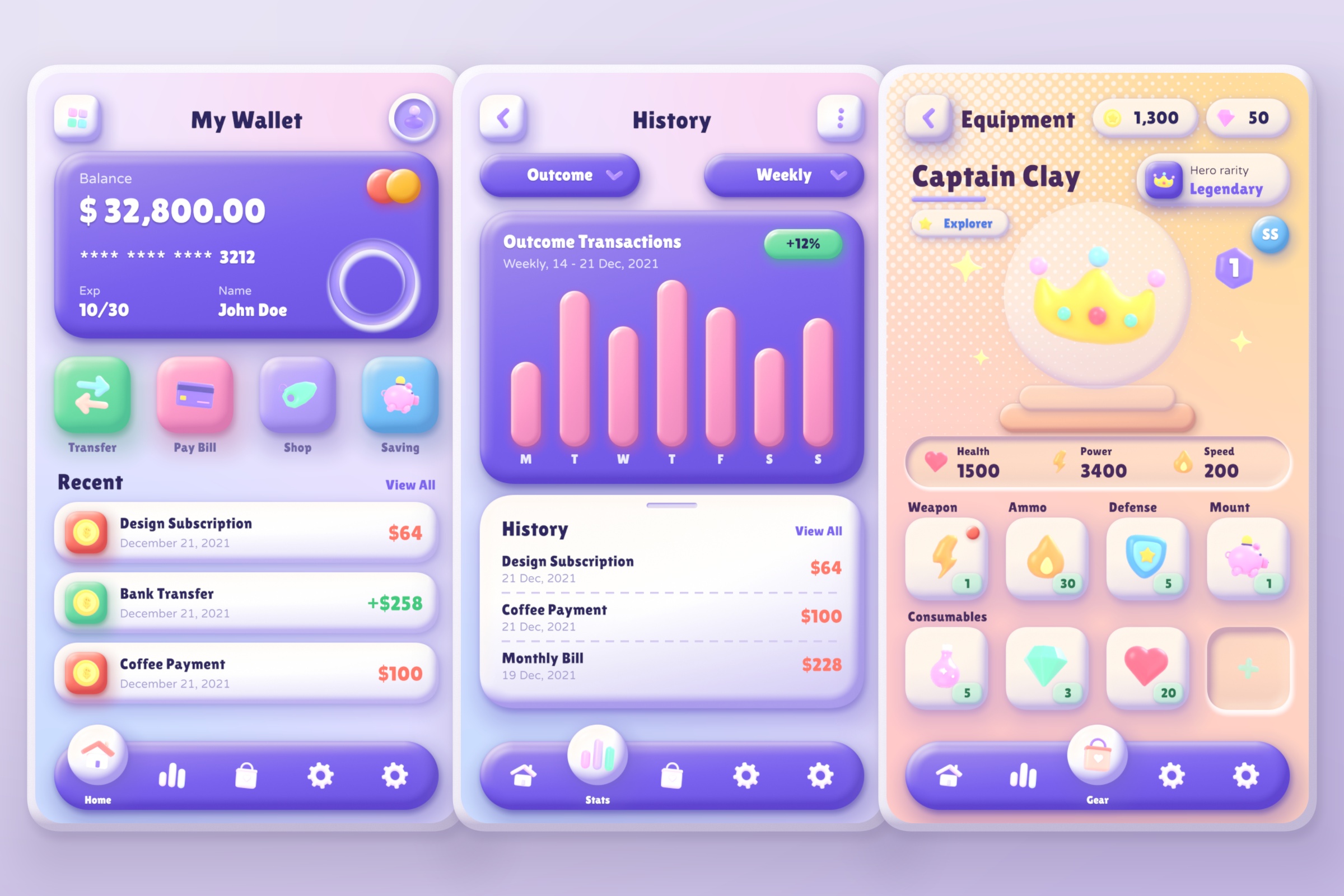
This is the demo for my Claymorphism UI kit for Unity. It runs right here in your browser, so you can try it out before deciding if it's for you.
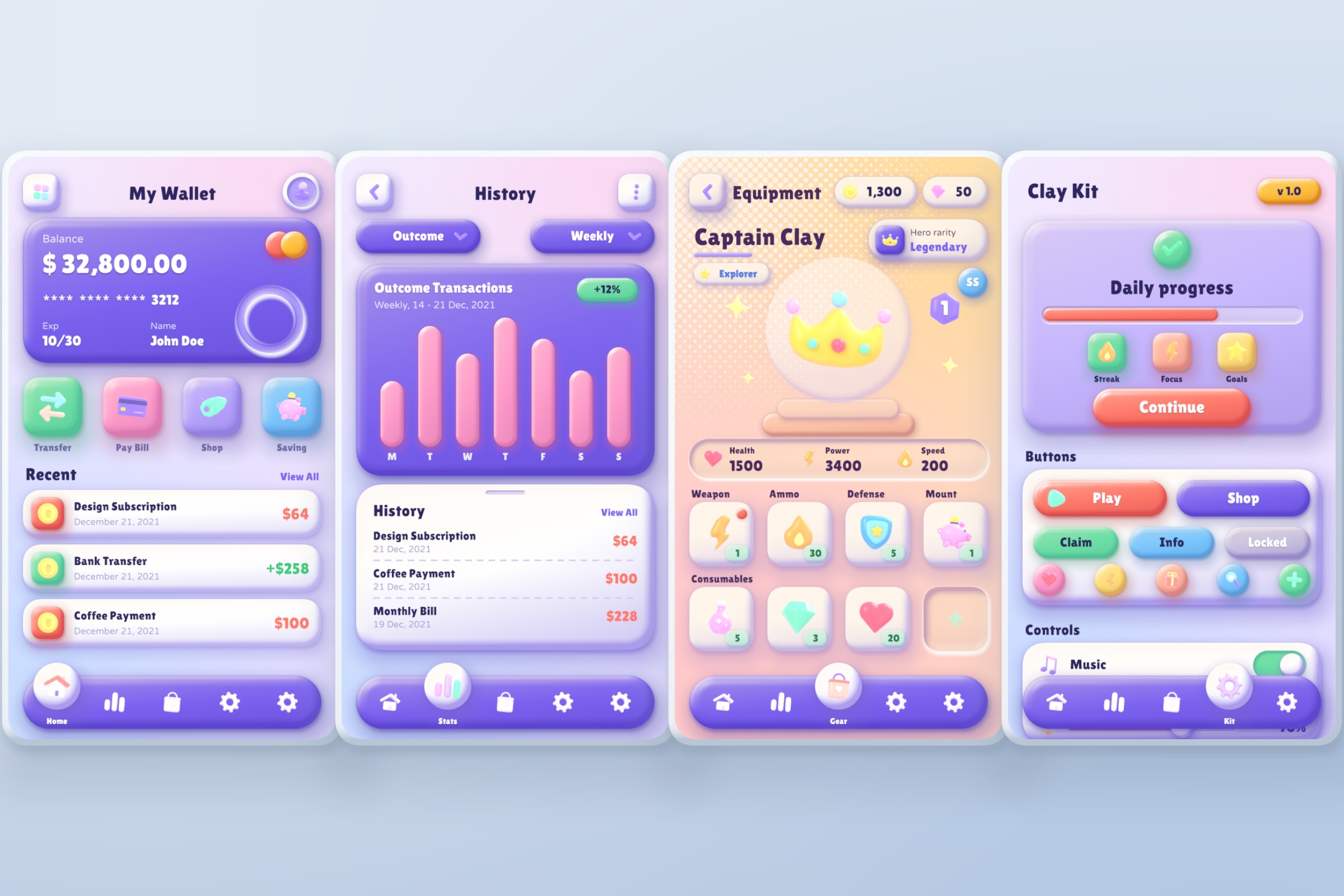
The kit makes uGUI look like it's made of soft clay: puffy buttons, cards, toggles, gauges, a bottom tab bar. None of it is baked into sprites. A shader draws the clay, so a button can be any size or colour and the edges stay sharp.
Things to try
- Tap the tabs along the bottom to go through the screens. The Kit and Colours pages scroll.
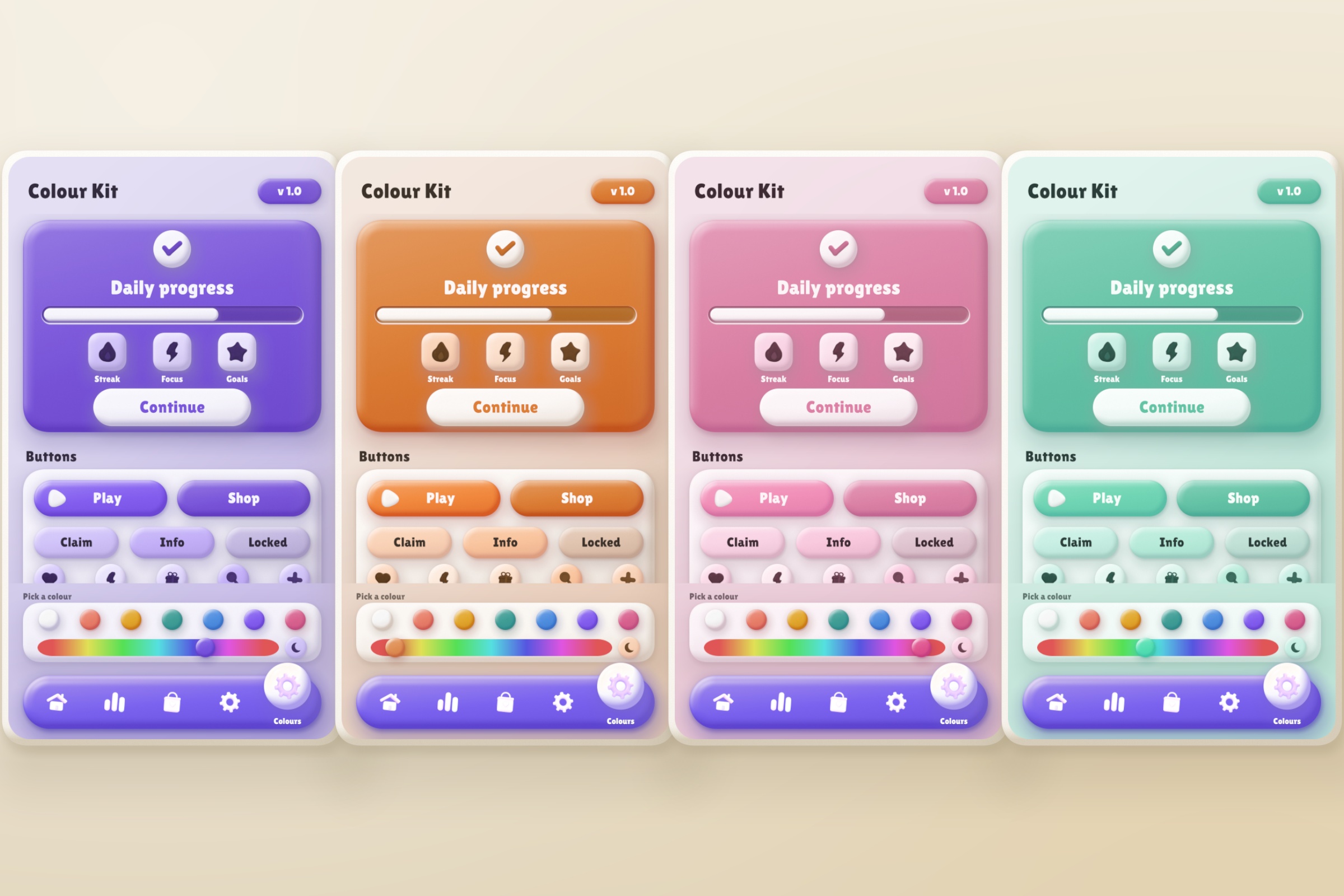
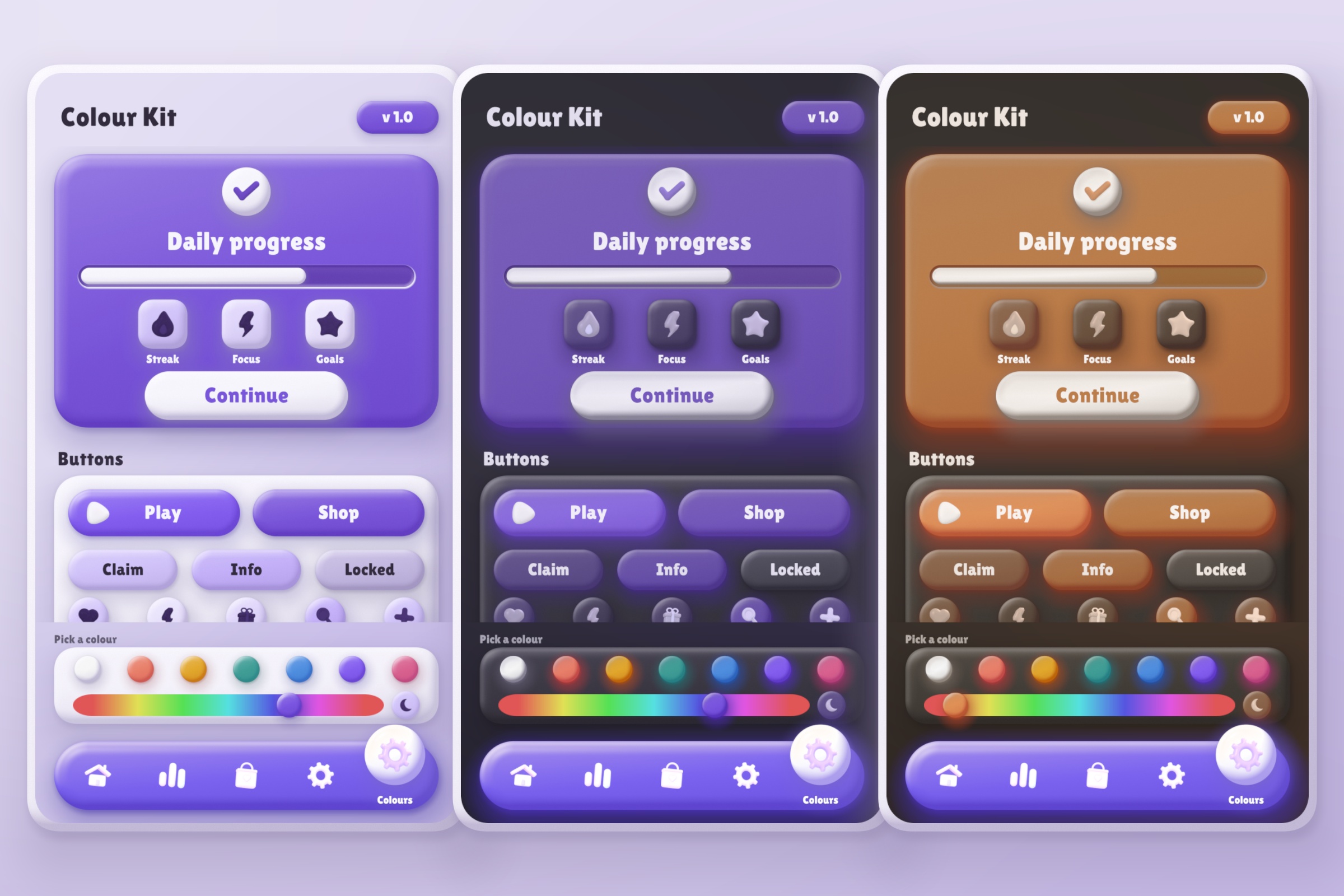
- On the Colours page, tap a swatch or drag along the rainbow strip and the whole page changes colour. The moon button switches to dark mode.
- There's a second scene with the same panel on a World Space canvas, in 3D. The buttons on this page switch between the two.
What's in the kit
- Buttons, toggles, sliders, a tab bar, popups, bar charts, ring gauges, progress bars and input fields
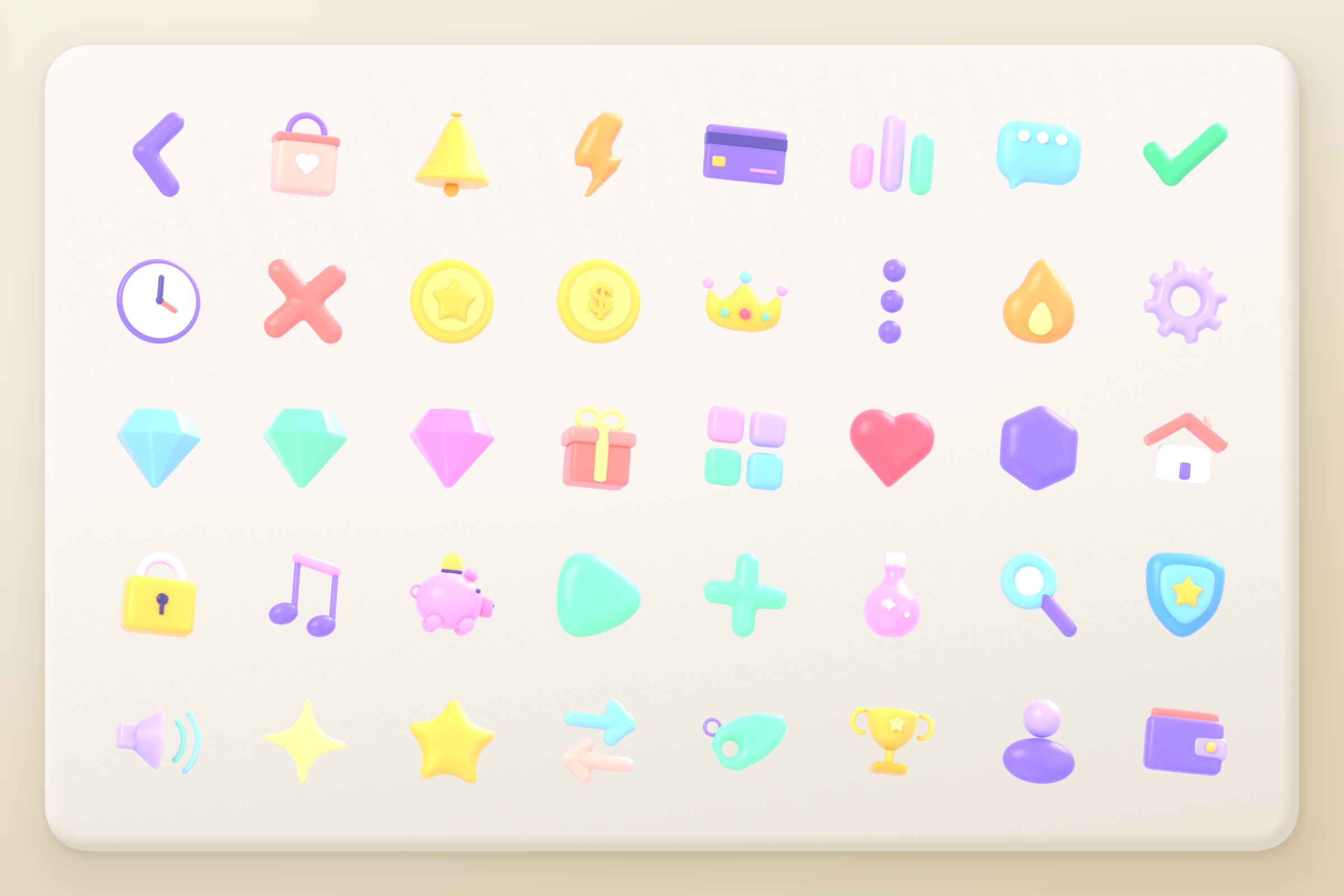
- 1,439 white 3D clay icons you can tint any colour, plus 52 that come already coloured (all 512 px)
- Light and dark versions of every colour, made from the one colour you pick
- Two shader modes: Full, and a cheaper Lite one that's the default on phones
- Works in URP and the Built-in pipeline. I haven't tested HDRP.
Good to know
- Built and tested on Unity 6. It uses uGUI and TextMeshPro.
- This page is only the demo. You can't download the kit from here.
- The demo is about 20 MB, so the first load takes a few seconds.
- I've only tried it in Chrome. If something looks wrong in your browser, tell me in the comments.
Leave a comment
Log in with itch.io to leave a comment.